
Stickers
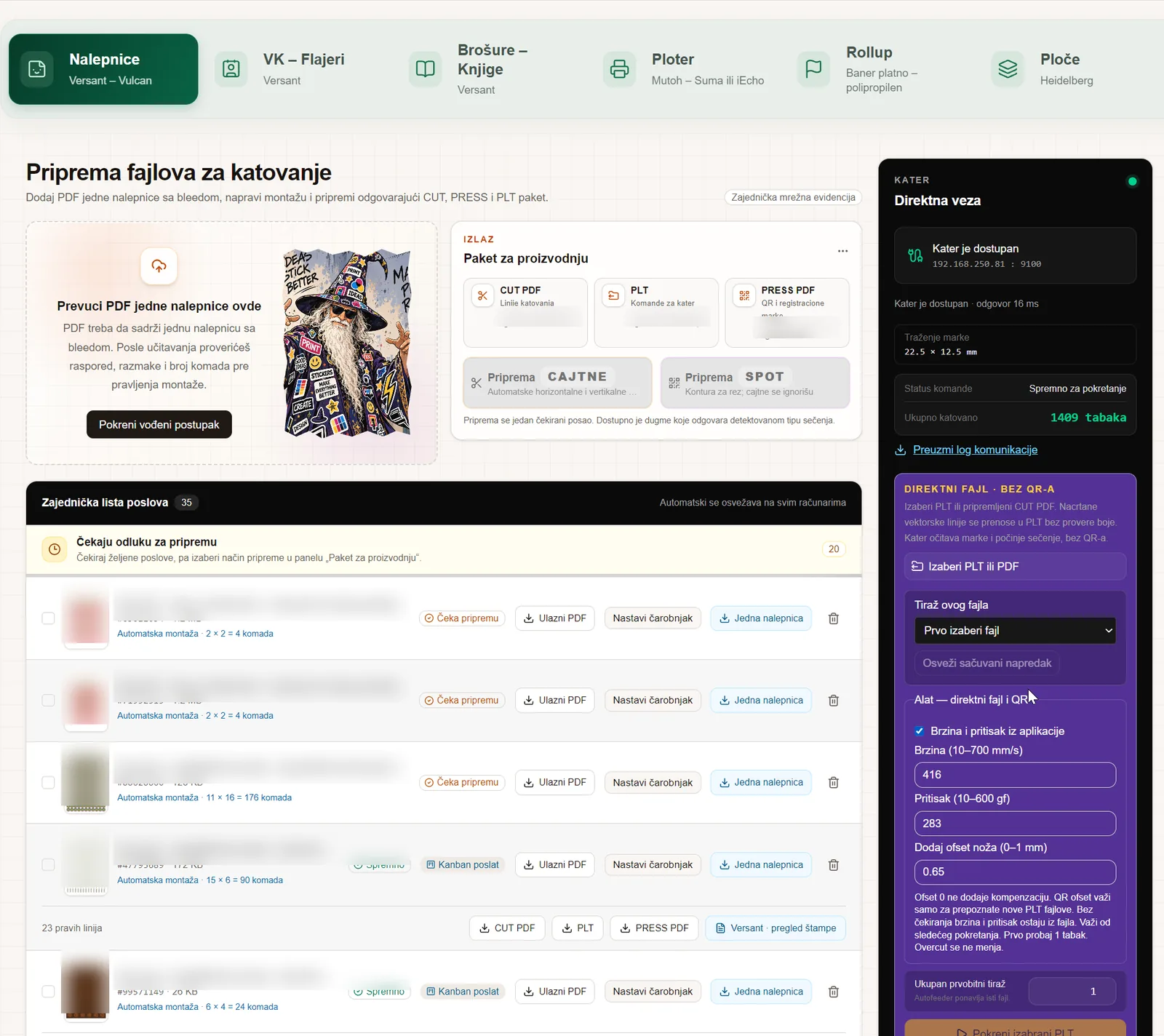
From a single-sticker PDF to cut sheets.
- Automatic imposition and sheet count
- Straight and contour cutting
- QR on the sheet — the cutter recognises the job
Versant · Vulcan
Impozo builds impositions and cutting packages and sends jobs to your machines — Fiery, cutter, wide-format — from one application. It runs on a computer in your print shop, and customer files stay with you.
Built in a print shop that uses it every day.
Each module covers one production flow, from the customer PDF to the machine. Modules are enabled by license and share one job list, one set of users and one set of settings.
From a single-sticker PDF to cut sheets.
Small-format imposition sent straight to print.
Signatures and booklet imposition for digital print.
From media choice to cutting.
Plate preparation for offset print.
Roll-up banners in the exact format, with the fold.
Real screens from a working print shop. Job names and client files are blurred.
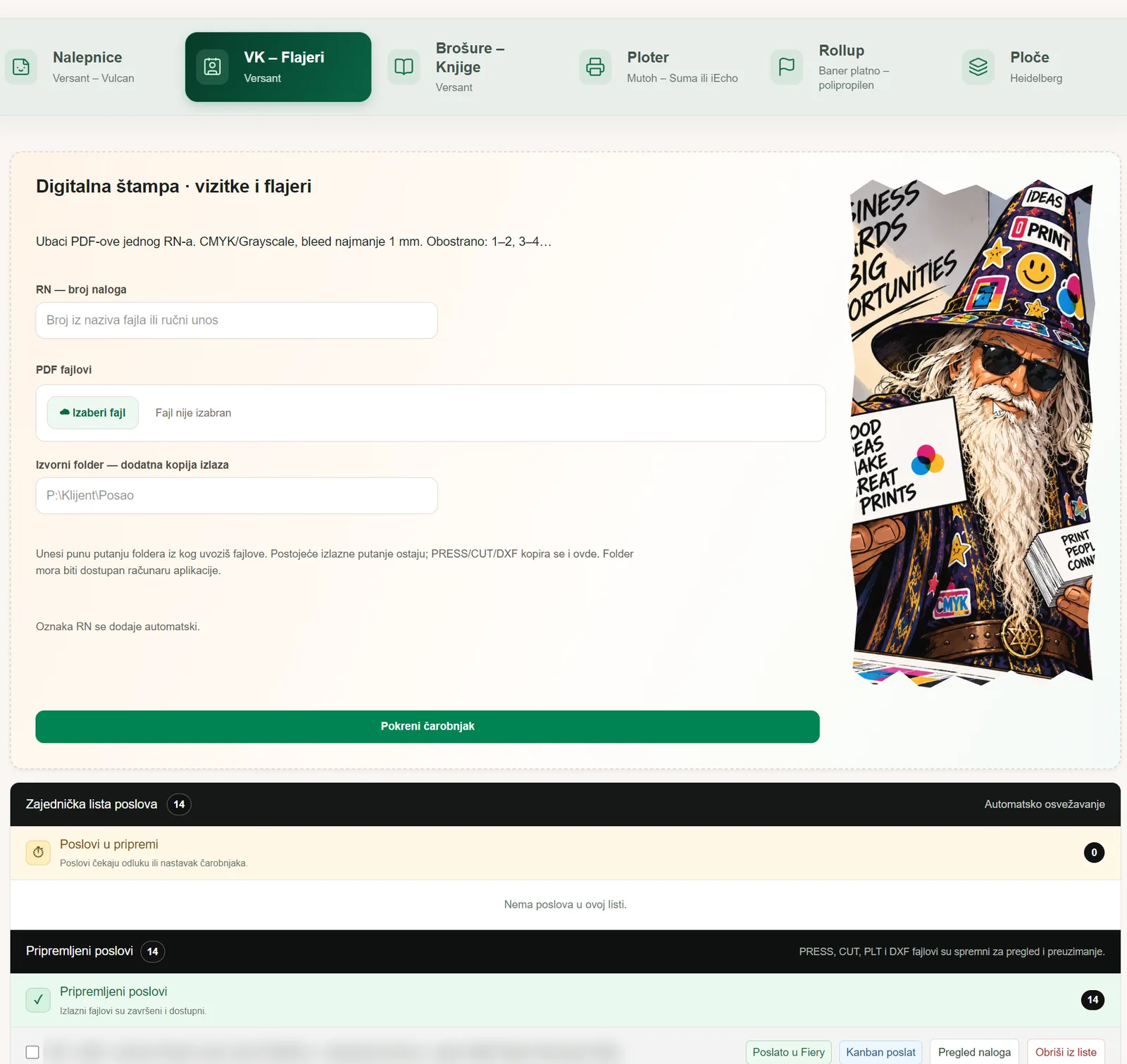 Business cards & flyersOrder import and wizard
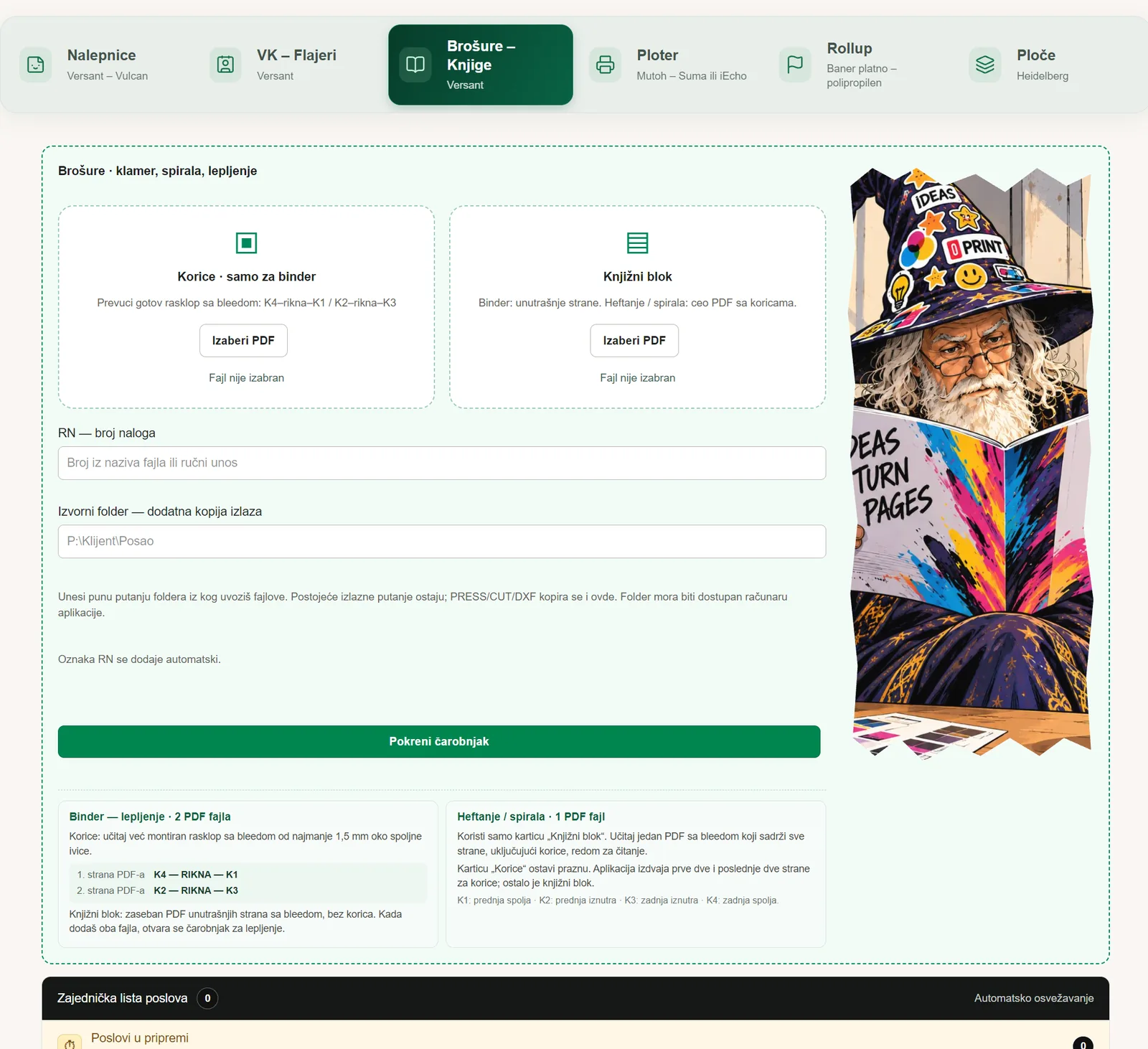 BrochuresCover and book block
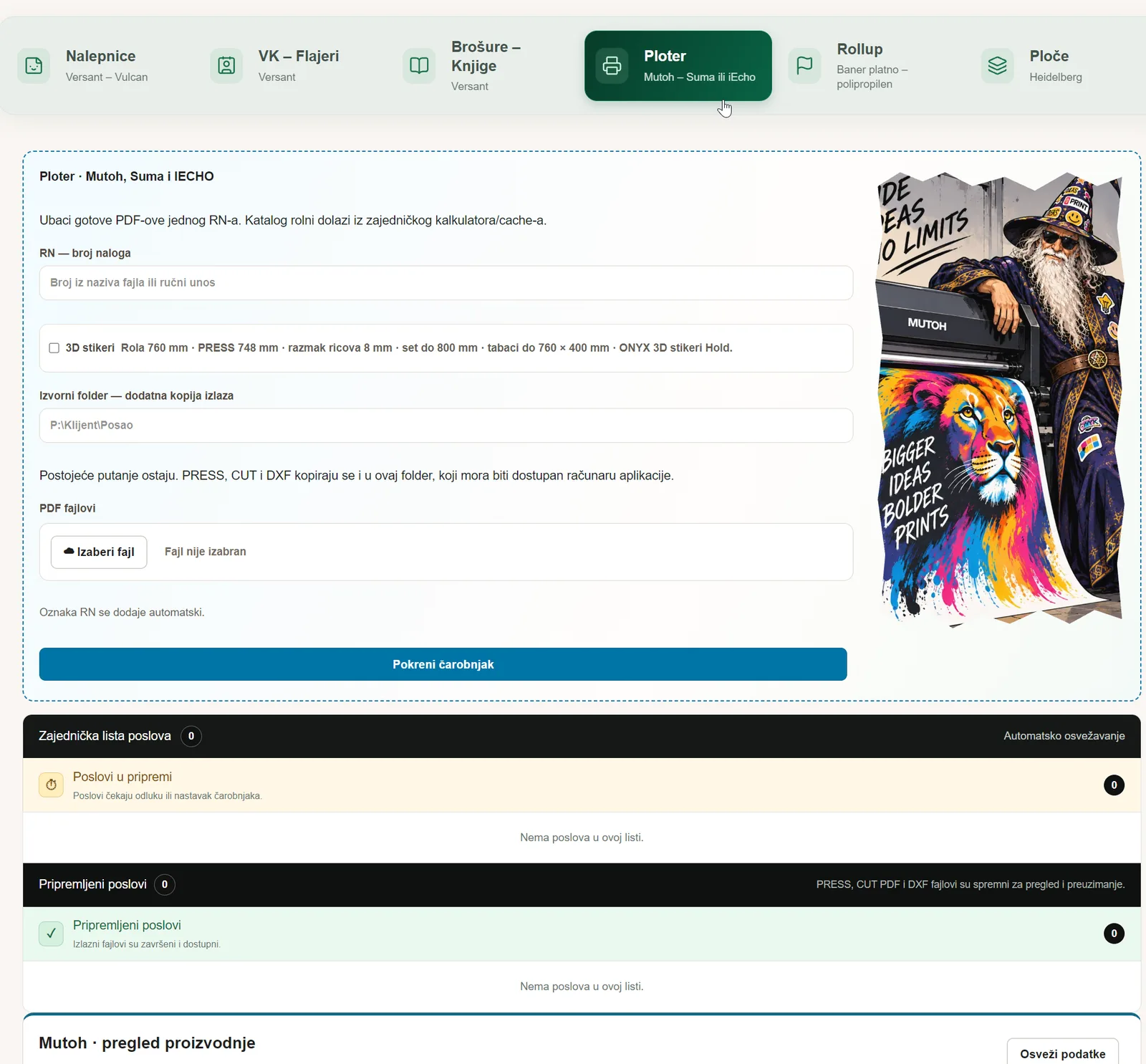 PlotterRolls, ONYX and Summa
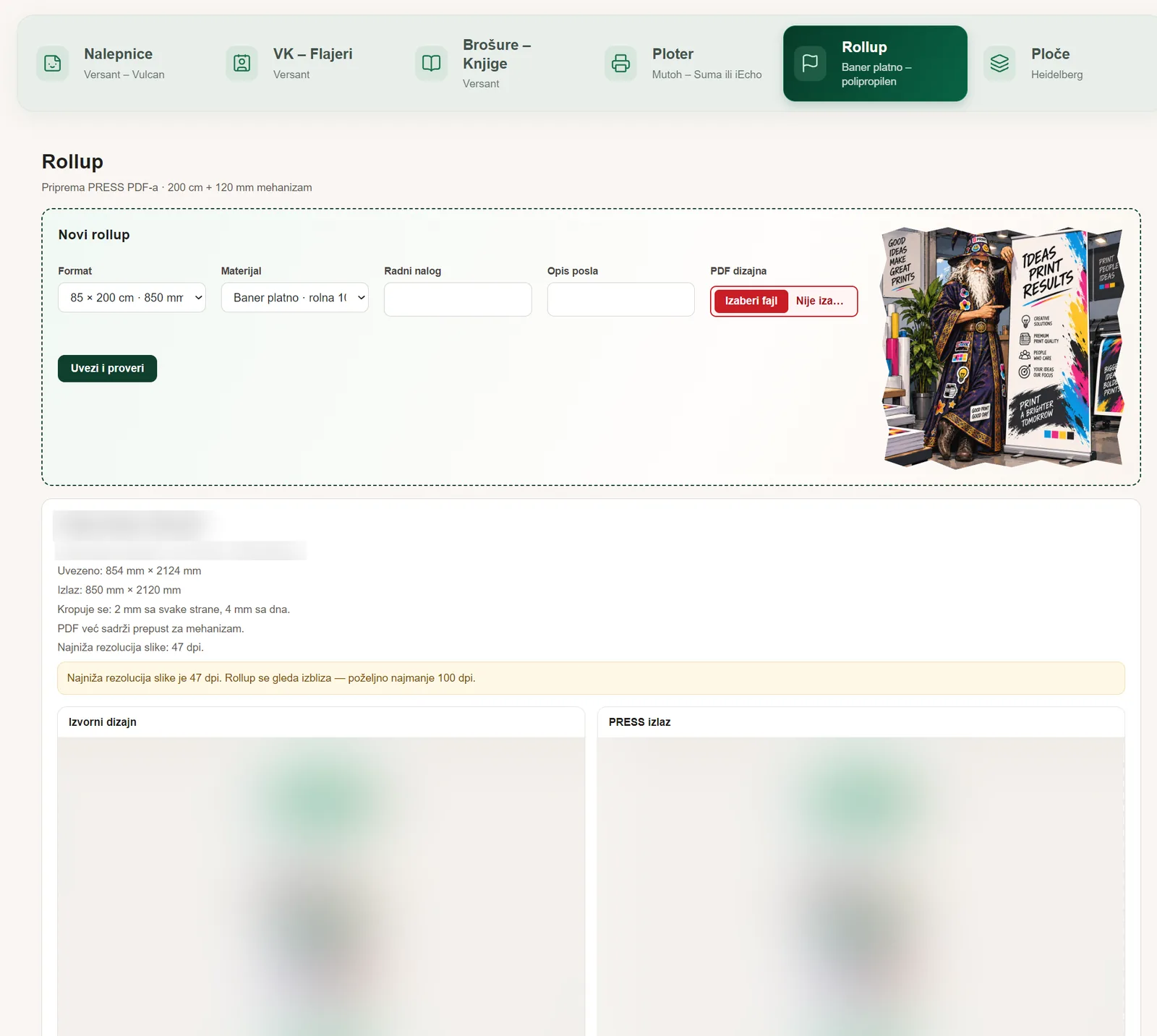 Roll-upCheck and PRESS output
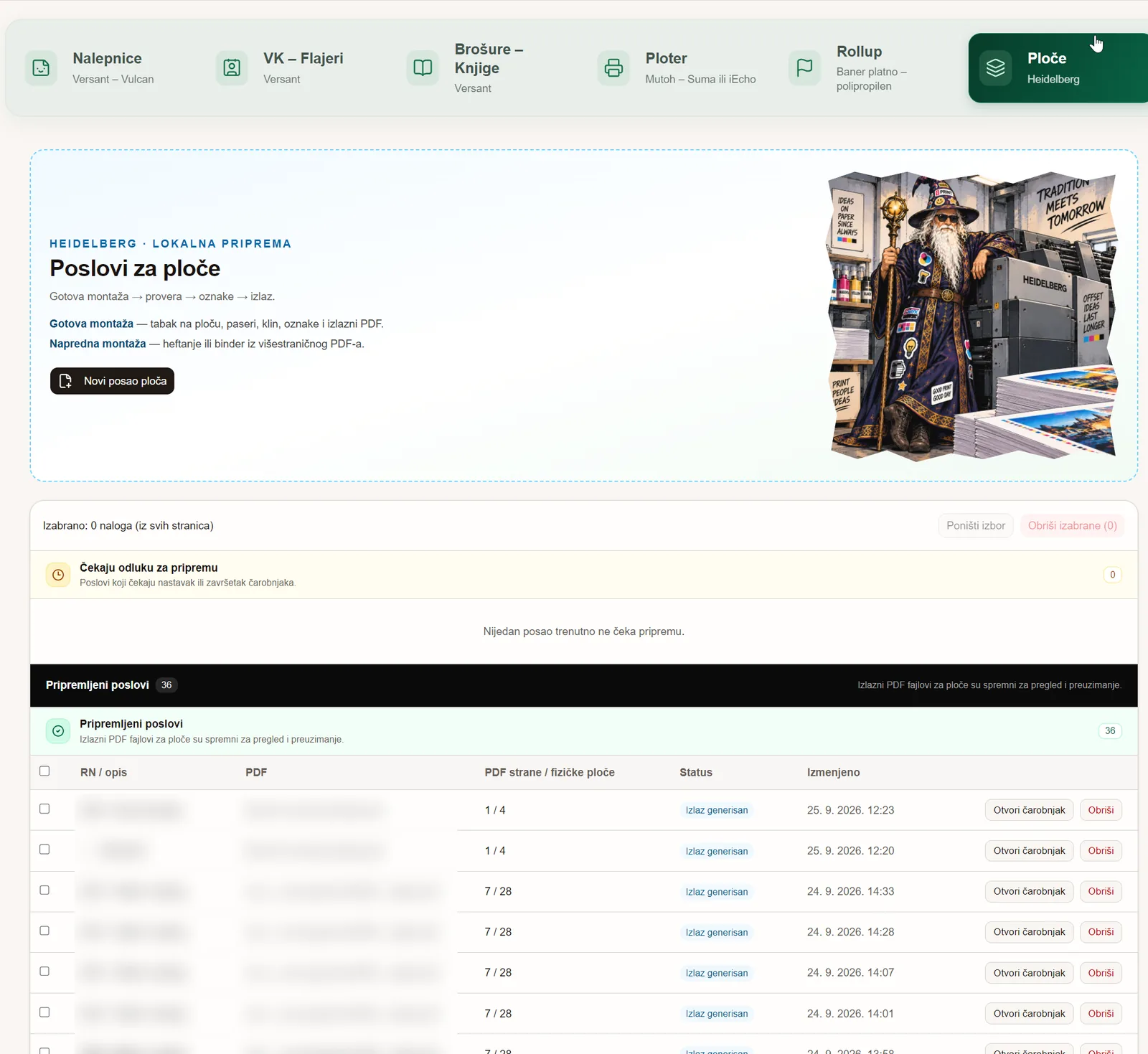 PlatesImposition on the plate
Step-by-step guide for every module: Manual (in Serbian; the English version comes with the English app).
No server room, no network setup. One computer — everyone else opens it in a browser.
A Windows installer that takes minutes. Impozo runs as a service and starts with the computer.
Operators on every computer in the network open the same address. Each has an own account and the modules they work in.
At night or when you click, signed and verified. If something does not work, the previous version comes back.
Impozo runs on your computer. Only the license reaches our server — which modules are on, and until when.
PDFs, impositions and jobs are kept in the folder you choose, on the computer or on your network drive.
Production does not depend on the connection. Without internet everything keeps working for 7 days; the connection is only for the license and updates.
Every new version is digitally signed; an installation refuses anything not signed with our key.
Accounts for your staff with roles and modules, and your logo in the header next to Impozo.
The one exception is the optional AI bleed: when you turn it on, parts of the image along the edge are sent to an AI service to extend the bleed. It never runs without your consent.
The price depends on the modules and the number of installations. Tell us what your shop does and which machines it has, and we will send you a quote.
One Windows 10 or 11 computer (or Windows Server) in your network that is on while you work. The other computers open it in a browser — nothing to install on them.
No. Customer files, impositions and jobs stay in the folder you choose. Our server only knows the license: the company, the enabled modules and the application version.
Production goes on. Without the license server Impozo works normally for 7 days and renews the license by itself when the connection is back.
Every machine connection is optional: the module works without it and you send the prepared files as you do today. Tell us which machines you have — that is how we choose the next connections.
Automatically, at night or when an administrator clicks “Update now”, never while a machine is running. Every version is signed, and if a new one does not work, the previous one comes back.
Serbian, with the English translation being completed. Each user picks their own language.